Zimpola & Director
Chatbox guide — create with Director
A focused guide to creating images, backgrounds and videos in the homepage chatbox.
This guide is written in English. Change the site language to read it in your own language.
01
Ask Director
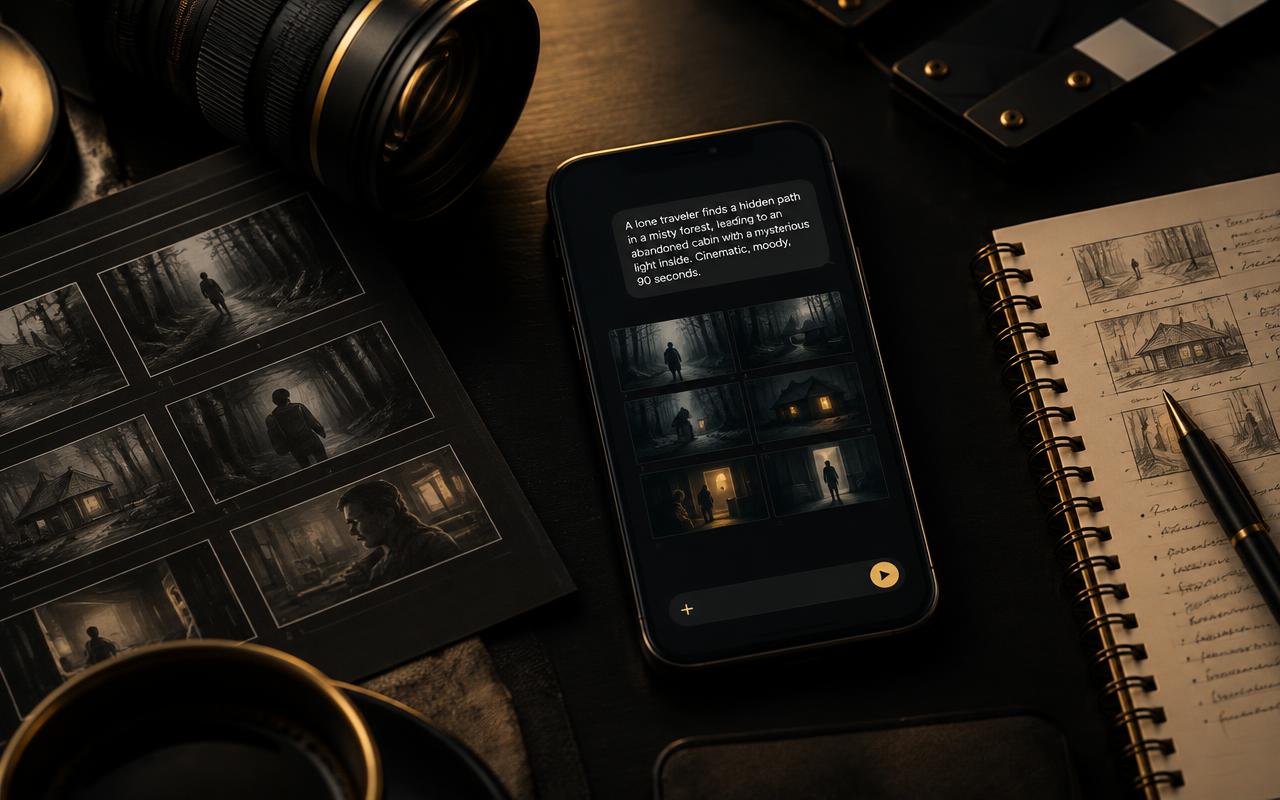
- Director asks about the subject, style, setting, mood, camera, movement, sound and length, then prepares one professional English generation prompt.
02
Choose what to make
- Choose one image, ten separate images, a clean background, or a video.
- For ten images, every filled block is a separate item. Empty blocks cost nothing.
- Choose a text-focused image model when exact words or a logo matter.
03
Add your own material
- Upload your own photo or choose saved cast and backgrounds.
- For an edit, say what must stay unchanged and what should change.
- For video from a photo, describe the movement rather than describing the photo again.
04
Choose the exact video model
- Choose the exact generator, resolution and duration. Available lengths follow the selected model.
- When a model accepts customer audio, upload music, sound or a recorded voice.
- Review the full price. Nothing starts or charges until final confirmation.
05
Pay only for a real result
- You only pay when a real image or playable video file is saved.
- Failures, timeouts and empty results cost zero credits.
- Provider errors remain visible so you can retry or choose another generator.